AODA website compliance: what Ontario businesses need to know
Who must make their website accessible under the AODA, which standard applies, the deadlines, the penalties and a practical checklist to get compliant.
Short answer: if your organization has 50 or more employees in Ontario, your public website must meet the Web Content Accessibility Guidelines (WCAG) 2.0 Level AA under the Accessibility for Ontarians with Disabilities Act (AODA). If you have 20 or more employees, you must also file an accessibility compliance report every three years, and the current deadline is December 31, 2026.
This article is a practical summary, not legal advice. For your specific obligations, check the Government of Ontario’s guidance or speak with a lawyer.
Who has to comply
The AODA’s website rules, part of the Integrated Accessibility Standards Regulation, apply to:
- Designated public sector organizations, such as municipalities, school boards and hospitals.
- Businesses and non-profits with 50 or more employees in Ontario.
According to the Government of Ontario, the organization that controls the website, directly or through a contract, is responsible for meeting the requirements. Hiring an agency does not move the responsibility to the agency.
Obligations by size, as they touch your website
The website rule is only one part of the AODA. Several other requirements show up on or through your website, and they depend on how many employees you have in Ontario.
| Requirement | 20 to 49 employees | 50 or more employees |
|---|---|---|
| Public website meets WCAG 2.0 AA | Not required | Required |
| Accessible ways to give feedback (for example, accessible comment forms or surveys) | Required | Required |
| Information in accessible formats and communication supports on request, at no extra cost | Required | Required |
| Multi-year accessibility plan, posted on your website and reviewed at least every five years | Not required | Required |
| Accessibility compliance report every three years | Required | Required |
Source: the Government of Ontario’s summary of accessibility rules for businesses and non-profits. Organizations with fewer than 20 employees still have some AODA obligations, so check the province’s guidance for your size, but they are not covered by the website rule or the reporting requirement described here.
What the standard requires
Covered organizations must make their public websites and web content published after January 1, 2012 conform to WCAG 2.0 Level AA. Two success criteria are excluded:
- 1.2.4, live captions
- 1.2.5, pre-recorded audio descriptions
Internal sites such as intranets are generally exempt, except for Government of Ontario and Legislative Assembly sites. Even for an intranet, the province notes that you must provide information in an alternate format if someone asks for it.
What counts as “web content”
The Government of Ontario defines content broadly: any information found on a web page or web application, including text, images, forms and sounds. In practice that means your booking form, your quote request, your embedded videos and your online store checkout are all in scope, not only the text on your pages.
Documents are easy to forget. A price list, menu or application form posted as a scanned PDF is often unreadable by a screen reader. The safest approach is to publish that information as a regular web page, or make sure the PDF itself is tagged and readable.
When conversion is not practicable
The province allows an exception when making certain content accessible is not practicable. In that case, you may still post it, but you must explain why it could not be converted and provide a summary of the content. Treat this as a narrow exception for genuinely difficult content, not a way out of fixing a whole website.
What WCAG 2.0 AA means in plain terms
WCAG is built on four principles. Your site should be:
- Perceivable: text alternatives for images, captions for pre-recorded video, enough colour contrast, content that still makes sense when zoomed.
- Operable: everything works with a keyboard, visible focus, no content that flashes, enough time to read and act.
- Understandable: clear labels on forms, helpful error messages, consistent navigation, the page language declared.
- Robust: clean code that assistive technologies such as screen readers can interpret.
The AODA names version 2.0, but newer versions (2.1 and 2.2) add useful criteria for mobile and cognitive accessibility. Designing to the newer versions is a good way to stay ahead. The W3C, which publishes WCAG, states that content conforming to WCAG 2.2 also conforms to 2.0 and 2.1, so you lose nothing by aiming higher.
Jargon you will see in an audit report
- Success criterion: one testable rule in WCAG, such as 1.4.3 (contrast minimum). Each has a level: A, AA or AAA.
- Level AA: the middle level. Meeting AA means meeting every A and AA criterion.
- Alt text: the text alternative for an image, read aloud by screen readers.
- Focus indicator: the visible outline that shows which link or button is selected when someone uses a keyboard.
- ARIA: code attributes that describe interactive elements to assistive technology. Useful when needed, harmful when misused.
- Screen reader: software, such as VoiceOver on Apple devices or NVDA on Windows, that reads the screen aloud.
Deadlines at a glance
| Date | What it means |
|---|---|
| January 1, 2012 | Content published after this date is in scope |
| January 1, 2021 | Public websites of covered organizations must meet WCAG 2.0 AA |
| December 31, 2026 | Current deadline for accessibility compliance reports (20+ employees) |
How the compliance report is filed
Businesses and non-profits file through the Government of Ontario’s online Accessibility Compliance Reporting Portal. According to the province’s filing guide, you will need your organization’s legal name, its business number (the nine-digit BN9 from your tax return), your number of employees and the name and contact details of the person certifying the report. The certifier confirms the answers are accurate, so do the website review before you file, not after.
Penalties
The AODA allows fines of up to $100,000 per day for corporations and up to $50,000 per day for directors and officers while an offence continues. In practice, the province’s approach to enforcement is progressive: education and support come first. But not filing a required compliance report, or ignoring accessibility complaints, is a risk no organization needs to take.
How to audit your website, step by step
You can get a clear picture of where you stand in a few hours. Here is the order we recommend.
- List your key pages and flows. Home page, each service page, contact and booking forms, checkout, and any page that gets heavy traffic. Templates matter more than individual pages: fixing one template fixes every page built on it.
- Run an automated scan with Lighthouse (built into Chrome) or WAVE on each key page. Note every error, but do not stop here.
- Do a keyboard-only test. Put the mouse away and use Tab, Shift+Tab, Enter and the arrow keys. Can you reach every menu item, open every dropdown, fill and submit every form, and close every pop-up? Can you always see where you are?
- Check contrast on text, buttons, links and form borders. WCAG 2.0 AA asks for at least 4.5:1 for normal text and 3:1 for large text.
- Zoom to 200 percent in your browser. Text should stay readable and nothing should overlap, get cut off or stop working.
- Listen with a screen reader on your two or three most important pages. Do images make sense? Are buttons named (“Book a consultation”, not “Click here”)? Do form errors get announced?
- Check media and documents. Pre-recorded videos need captions. PDFs need to be tagged or replaced with web pages.
- Write it down. Record each issue, the page, the WCAG criterion and who will fix it. This list becomes your remediation plan and your evidence of progress.
Automated tools only catch part of the issues. Manual testing with a keyboard and a screen reader is what confirms a site is usable.
Common mistakes
- Relying on an accessibility plugin or overlay alone. A widget that adds a toolbar does not fix missing labels, broken keyboard navigation or unreadable PDFs in the underlying code.
- Fixing pages, not templates. Issues come back with every new page if the template or component is still broken.
- Placeholder text instead of labels. Grey text inside a field disappears as soon as someone types and is often too faint to read.
- Colour as the only signal. “Fields in red are required” means nothing to someone who cannot see red.
- Carousels and pop-ups that trap keyboard users or move before anyone can read them.
- Forgetting third-party tools. Embedded booking systems, chat widgets and payment pages are part of the experience you offer. Ask vendors how their tools meet WCAG AA.
- Treating it as a one-time project. Every new page, image and video needs the same care. Accessibility has to be part of how content gets published.
What to ask your web provider
Before hiring someone to build or fix your site, ask:
- Which WCAG version and level do you design and test to?
- Do you test manually with a keyboard and a screen reader, or only with automated tools?
- Will you deliver a written report of issues found and fixed?
- Will the CMS let my team add alt text, captions and proper headings without breaking accessibility?
- How do you handle third-party widgets that are not accessible?
Clear answers to these questions tell you more than a badge on a website. Our guide on how to choose a software development company covers the broader questions to ask any provider.
A practical compliance checklist
- Run an automated scan (for example, Lighthouse or WAVE) to find obvious issues
- Add meaningful alternative text to every informative image
- Check colour contrast for text and buttons (4.5:1 for normal text)
- Navigate the whole site with only a keyboard, including menus and forms
- Make sure every form field has a visible label and clear error messages
- Caption pre-recorded videos
- Use real headings in a logical order (one H1, then H2, H3)
- Declare the page language, and the language of any section in another language
- Test key pages with a screen reader such as VoiceOver or NVDA
- Replace scanned PDFs with web pages or tagged, accessible documents
- Publish an accessibility statement with a way to report problems
- Post your multi-year accessibility plan on your website if you have 50 or more employees
- File your compliance report if you have 20 or more employees
Accessibility is also good business
Accessible sites are easier for everyone to use, perform better on mobile and are easier for search engines to understand. The same practices, such as descriptive headings, alternative text and clean structure, are what help your pages rank and get quoted by AI assistants. Our guides on why a website does not show up on Google and getting recommended by ChatGPT show how much overlap there is.
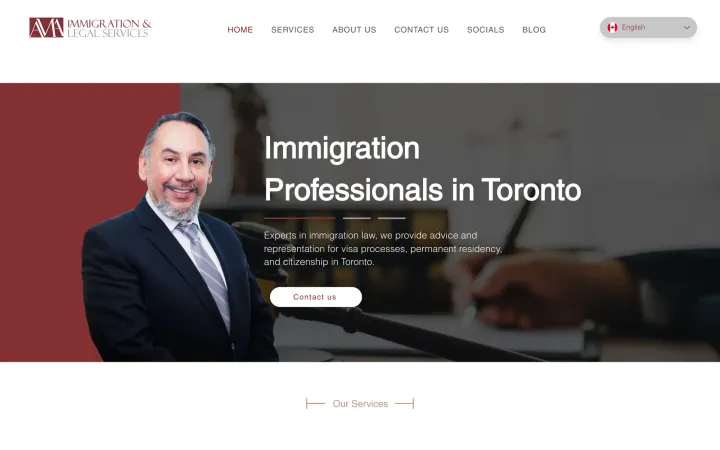
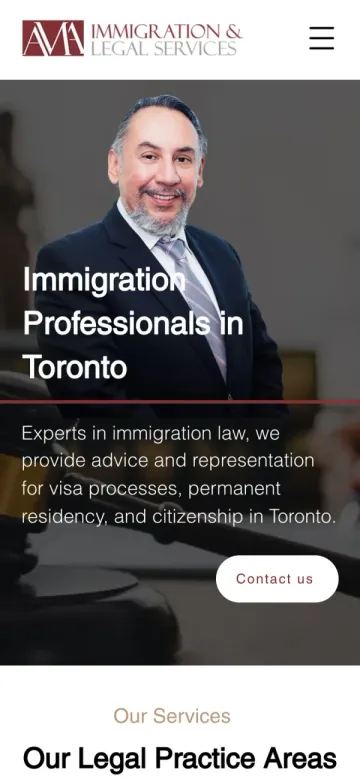
When a site serves many audiences, accessibility and clarity go together. For AMA Legal, a Toronto immigration firm whose clients speak five languages, every language version declares its own language so browsers and screen readers read it correctly. If you publish in more than one language, see our guide to multilingual websites in Toronto.
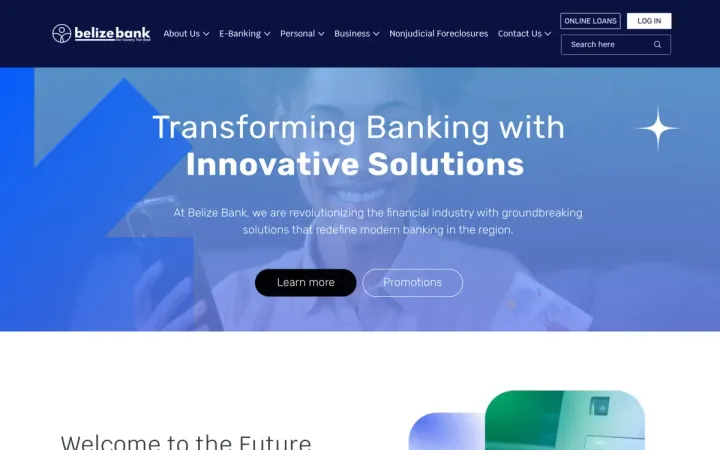
Scale adds its own challenge. On a large site like the 100+ page website we built for Belize Bank, with content coming from departments across the bank, consistency depends on shared templates and clear publishing rules. The same principle applies to accessibility: build it into the components once, and every team that publishes benefits.
How we can help
We build new websites with accessibility in mind from the start and can review an existing site against WCAG 2.0 AA. Tell us about your site and we will point out what needs attention. Learn more about our web design and development service.
Frequently asked questions
Does the AODA apply to my business website?
Website requirements apply to designated public sector organizations and to businesses and non-profits with 50 or more employees in Ontario. Their public websites and web content published after January 1, 2012 must meet WCAG 2.0 Level AA, with two exceptions.
What accessibility standard does the AODA require for websites?
WCAG 2.0 Level AA, excluding success criteria 1.2.4 (live captions) and 1.2.5 (pre-recorded audio descriptions).
When is the next AODA compliance report due?
Businesses and non-profits with 20 or more employees in Ontario file an accessibility compliance report every three years. The current reporting deadline is December 31, 2026.
What are the penalties for not complying with the AODA?
Under the Act, corporations can be fined up to $100,000 for each day an offence continues, and directors and officers up to $50,000 per day. Enforcement usually starts with education and support before penalties.
Do small businesses need an accessible website?
The website rule is mandatory at 50 employees, but accessibility helps every business: it reaches more customers, improves usability for everyone and supports search engine optimization.
If my site meets WCAG 2.1 or 2.2, does it meet the AODA's WCAG 2.0 requirement?
Yes, for the technical standard. The W3C states that content conforming to WCAG 2.2 also conforms to WCAG 2.0 and 2.1, so designing to the newer version covers the older one.
Is my website agency responsible for AODA compliance?
No. The Government of Ontario says the organization that controls the website, directly or through a contract, must meet the requirements. Put accessibility in your contract, but the obligation stays with you.
Proof, not promises